




























Geofence Time Tracking App
Stop Off-Site Clock-Ins With Geofencing Time Tracking Software
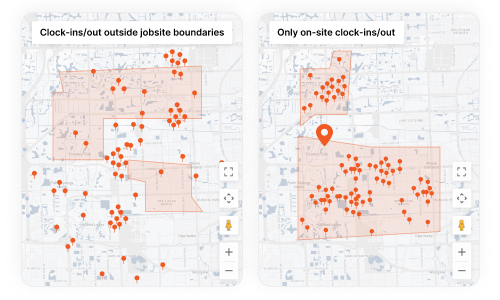
Create geofenced boundaries around your jobsites. Workers can only clock in when they’re actually there.
SmartBarrel combines geofencing with AI biometric facial verification for verified time tracking from the field.
Get Accurate Hours From Every Jobsite. Automatically.
You need verified proof that employees are on site when they clock in. Geofenced clock-in applications mean workers cannot clock-in from the road. Protect your margin and eliminate unnecessary labor spend.
SmartBarrel draws geofenced boundaries around each jobsite and automatically blocks off-site punches. Workers can only punch in and out when they’re physically inside the geofence.
With GPS geofencing plus AI facial verification, SmartBarrel verifies both presence and identity at every clock-in.
No buddy punching. No guessing.
How SmartBarrel's Geofencing Time Clock App Stops Off-Site Clock-Ins
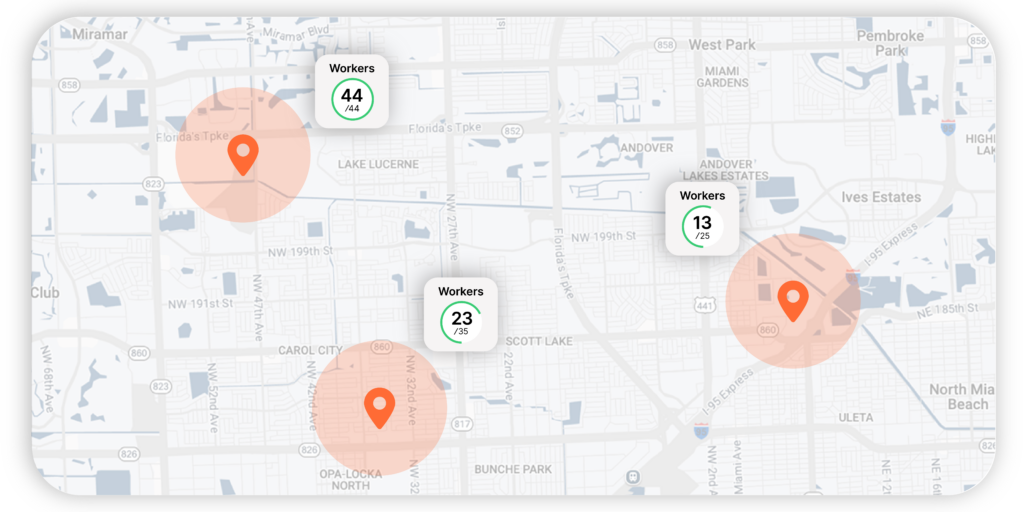
Virtual Boundaries Around Every Jobsite
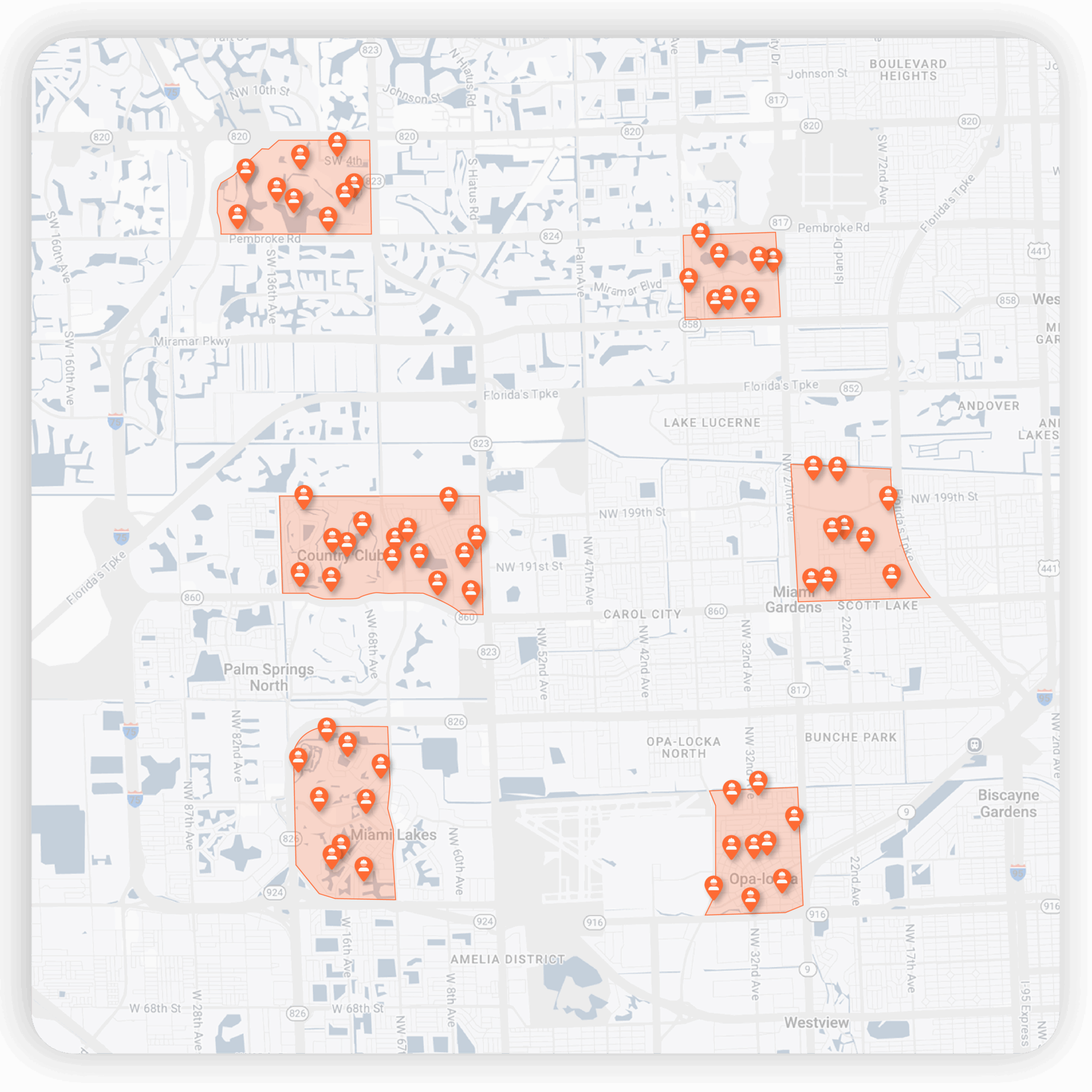
Set the geofence radius from 50-1,500 meters. Create unlimited geofences across multiple job sites. Field employees can’t clock in unless they’re inside the geofence.
Real-Time Visibility
SmartBarrel’s time tracking app verifies worker location automatically.
Only workers inside the geofence see their jobsite and can automatically clock in – anyone outside simply sees nothing and cannot punch. This removes off-site clock-ins without requiring supervisors to police them.
Biometric AI Facial Verification
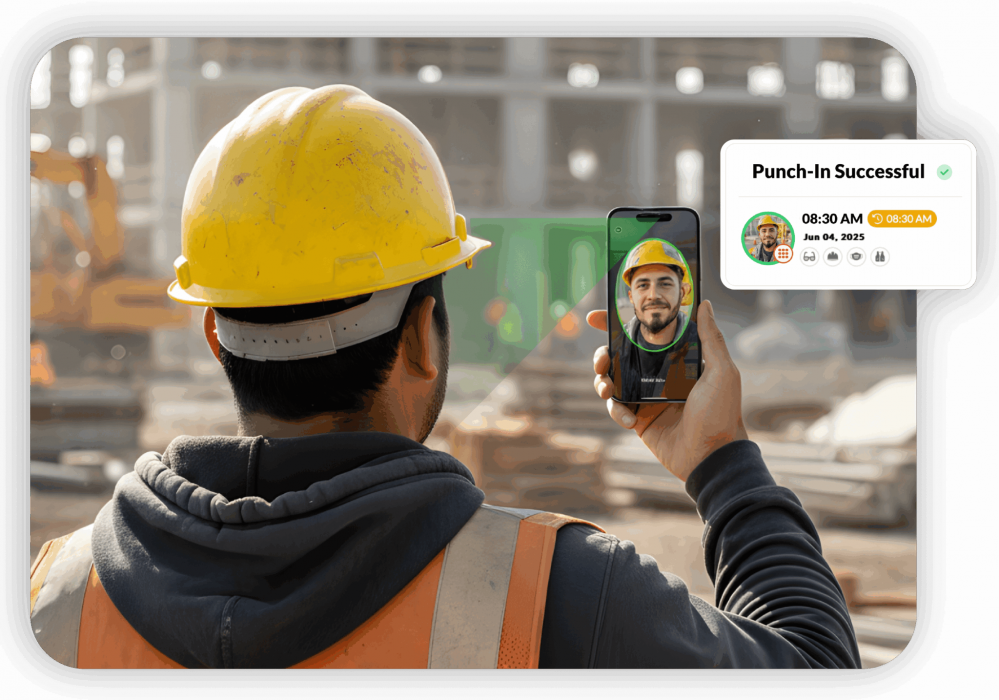
SmartBarrel’s time tracking app pairs geofencing with AI facial verification to confirm the right person is clocking in from the right location. Can’t hand your mobile device to a buddy.
The system compares each photo to previous shifts. Green = verified. Red = flagged. Employees clock themselves in – ensuring employees are accountable.
Why Geofencing Works Better Than Basic GPS Tracking
SmartBarrel’s geofenced time clock app controls where workers can clock in – enforcing accuracy, not just monitoring it.
GPS Tracking Alone:
- Shows worker location
- Allows clock-ins from anywhere
- No boundary enforcement
- Buddy punching still possible
- Requires internet connection
SmartBarrel’s Geofencing + Verification:
- Only shows jobsites when workers are inside the geofence
- Automatically prevents off-site clock-ins and clock-outs
- Pairs geofencing with AI facial verification
- Logs every event for audit-ready documentation
- Built-in LTE for reliable, onsite use
How SmartBarrel's Geofencing Time Clock App Works
1. Set up geofences in minutes.
Add your job site addresses - whether it's 5 or 50 at once. Create virtual boundaries for each specific location, assign workers, and you're live.
2. Workers clock in from the jobsite.
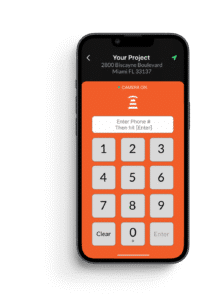
When workers open the SmartBarrel app, their jobsite appears only if they are physically inside the geofence.
3. Track time & locations automatically.
Each clock-in and clock-out captures a location stamp, timestamp, and worker identity. View a real-time dashboard of who's on each jobsite - by project or across the entire company.
4. Review before payroll.
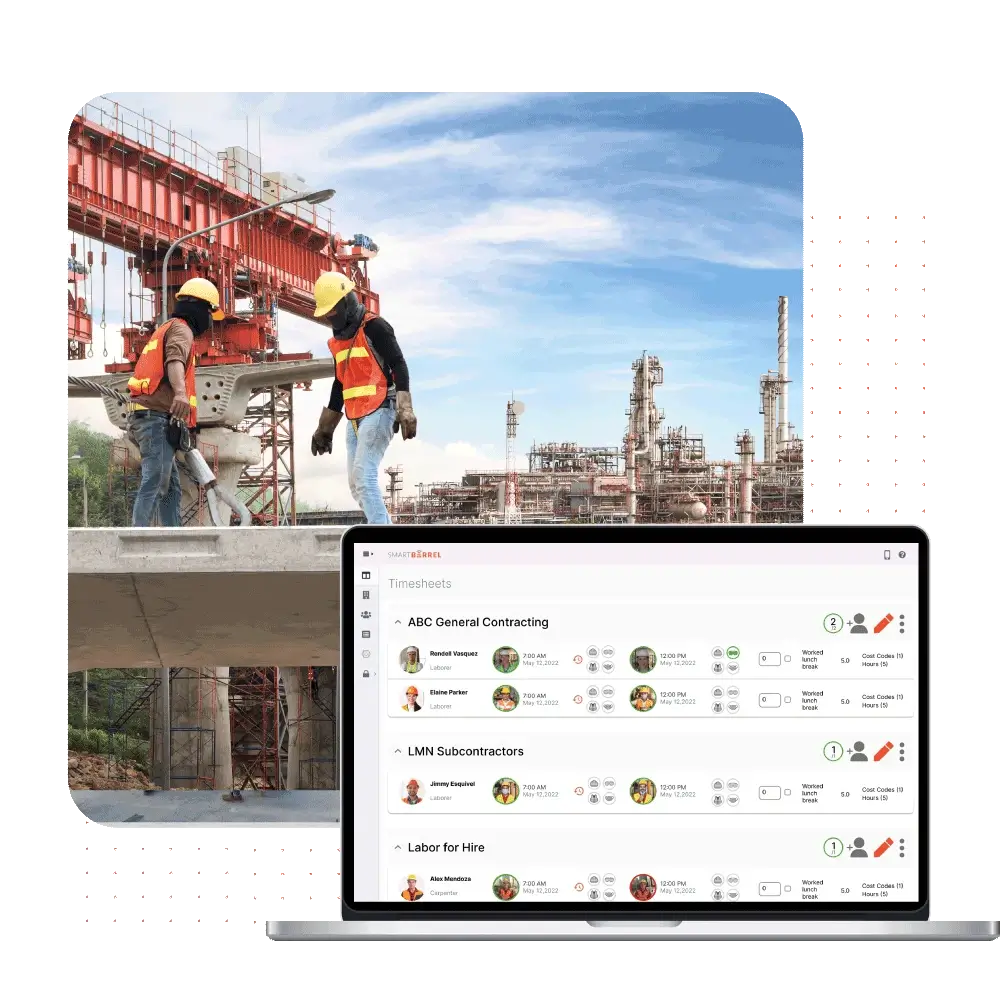
Pre-populated timesheets arrive with verified hours and geofence confirmation already captured. Foremen simply review and assign cost codes - no manual time entry required.
Key Features of SmartBarrel's Geofencing Time Tracking App
Accurate Time Tracking
Biometric facial verification + geofencing time clock = 100% verified clock-ins.
Real-Time Visibility
Real-time workforce visibility into who's on which jobsite - individual or company-wide view.
Automated Attendance Tracking
Optimize operations - workers clock in and out themselves; foremen only review and assign codes.
Mobile App + Hardware
Time clock app for smaller crews. TimeClock 4.0 device for 10+ workers per site.
Works Anywhere
Built-in LTE means no internet connection required. Solar powered. Weatherproof.
Instant ERP + Payroll Integration
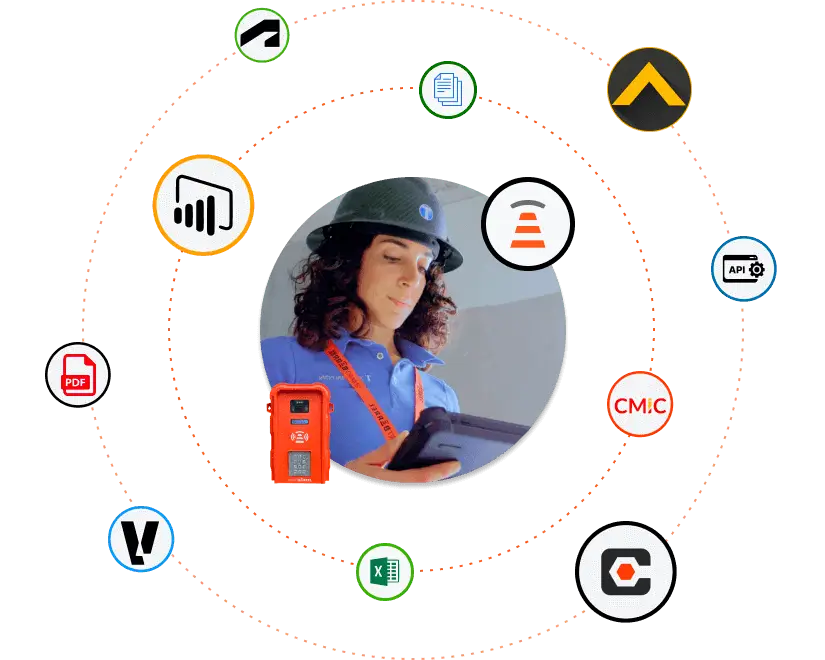
Verified time flows directly into Procore, Vista, CMiC, Foundation, QuickBooks, PowerBI, and more.
The Bottom Line: What Geofencing Time Clock Saves You
Stop Time Theft: $4,285+ Per Worker Annually
Conservative: 15 minutes/day of inflated employee work hours = $4,375 per worker annually.
Reality? Workers clocking in from the wrong location or padding time spent on site: often 30-60 minutes per day. Twenty workers = $87,500 in wasted payroll hours. Two hundred = $875,000. Two thousand = $8.75M.
Geofencing stops it – at any scale.
Foremen lose 5–10 hours a week hunting down timesheets. Payroll teams spend another 10–15 hours fixing errors and rerunning payroll.
SmartBarrel’s verified, pre-populated timesheets cut that workload by 70–80%, freeing your team to focus on building – not data entry. Optimize time tracking and improve workforce management at the same time.
Win More T&M Work
Verified hours backed by geofence time tracking eliminate disputes and give clients confidence in your billing. With airtight, auditable documentation, contractors win more T&M work – especially for enterprise-scale, multi-site operations.
Avoid Billing Disputes
Geofence-verified punch data eliminates disputes before they start. Client questions hours? Show them the proof: coordinates and timestamps confirming workers clocked in and out from the jobsite. No guessing. No arguments. Case closed.
Seamless integrations.
All verified employee tracking time and geofencing data flows to your existing systems:
- CMiC
- Procore
- Viewpoint
- Foundation
- ComputerEASE
- Sage
- Quickbooks
- Excel
One source of truth. No double-entry. Employees enter the jobsite, and structured time data appears in your ERP in real-time. Track employee attendance and manage the workforce from anywhere.
Frequently Asked Questions About Geofence Time Tracking Software
What is geofence time tracking software?
Geofencing creates a virtual boundary around your jobsite using GPS coordinates. Field employees can only clock in when they’re physically inside that boundary. SmartBarrel combines precise location tracking with biometric facial verification – verifying both employee location data and identity with every clock-in.
The result? Verified, accurate labor hours from every site, every shift.
Foremen stop chasing timecards. Payroll stops fixing errors. Your payroll processing and ERP systems receive clean, structured time data automatically.
How does geofencing automate construction timekeeping?
When workers open the app, SmartBarrel automatically checks their GPS location. If they’re inside the geofence, the jobsite appears and they can punch; if not, no jobsite appears. Verified work hours flow directly into pre-populated timesheets, shifting accountability from foremen to workers and simplifying the whole time tracking process.
What are the benefits of GPS time tracking for construction?
You get real-time visibility into who’s on each jobsite. Accurate job costing by location. GPS-verified clock-ins prevent time theft before it hits payroll. Geofenced boundaries ensure workers are where they say they are – your GCs trust the data because every punch is verified.
How do you prevent buddy punching with geofencing?
SmartBarrel combines real-time geofence time tracking with biometric facial verification. The system checks both employee locations and identity with every clock-in. Workers can’t hand their mobile device to a buddy when the system needs their face. This dual verification ensures employees are present and accountable.
What's the difference between GPS tracking and geofence time tracking?
GPS tracking shows where workers are. Smartbarrel’s geofencing controls where they can clock in from. Basic GPS apps still allow off-site punches. Geofencing only shows the jobsite when the worker is inside the boundary, preventing inaccurate time before it ever reaches payroll.
Can SmartBarrel manage geofences for 10+ jobsites simultaneously?
Absolutely. Create unlimited geofences at no extra cost. See who’s clocked in at each jobsite from one user-friendly interface – individual site view or company-wide operations view. The system automatically matches employee clock-ins to the correct project based on geofence location. Whether you’re managing 5 jobsites or 50, the setup is identical. Verify worker presence across multiple job sites effortlessly and streamline payroll processing.
Can our finance team access geofencing data across all projects?
Yes. Verified clock-in/clock-out data feeds your ERP and PowerBI dashboards. Finance teams see labor costs by location, by project, and company-wide. Run detailed reports across all your jobsites. Clock-in verification data is available for audits, T&M billing disputes, and job cost analysis. Manage resources effectively with complete visibility into workforce presence across all locations.
Does geofence time tracking work with union contractors?
Yes. Geofencing verifies who’s actually on site without altering pay. Union contractors use SmartBarrel to identify late arrivals, confirm presence, and maintain accurate attendance records.
Recent Articles
Stop Paying for Time Your Workers Aren’t Working
Virtual boundaries around every jobsite. Real-time location tracking + biometric verification. Pre-populated timesheets. Zero excuses.
The most accurate time from the field – at any scale. Guaranteed.
No buddy punching. No parking lot employee clock ins. No bullsh*t.